Chatio AI: All-in-one AI workspace
One web app for leading AI models plus image, video, music, docs and slides tools, designed in light and dark on one token system.
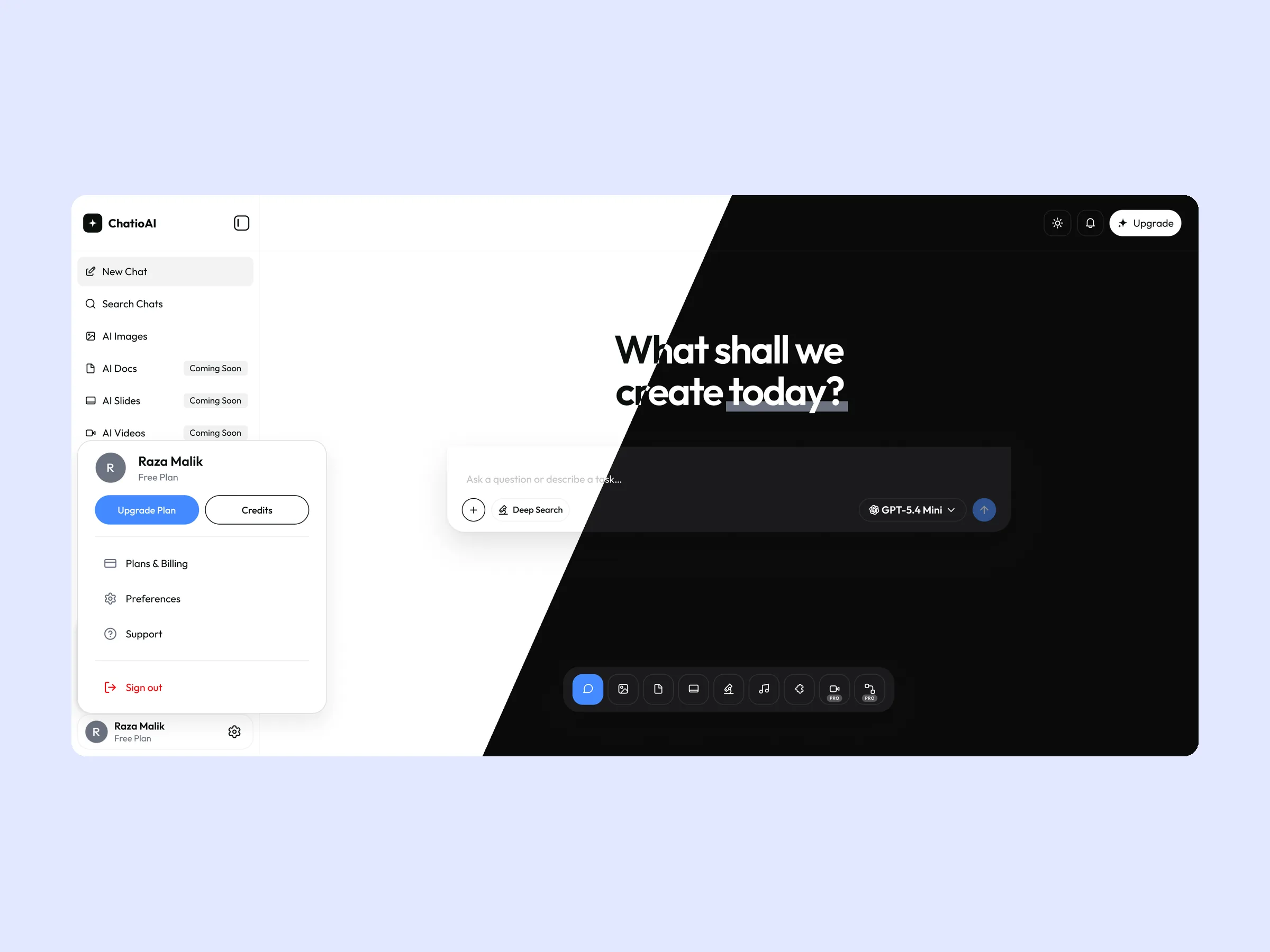
100+ screens in light and dark
The problem
Chatio gives people access to models such as GPT, Claude, Gemini and DeepSeek in one app, plus tools for images, video, music, documents and slides. The risk with an all-in-one product is that it feels like ten products glued together. The design had to give every tool the same starting point, let people connect their own files and apps safely, and make paid plans clear for individuals and teams, all in both light and dark themes.
What I designed
Designed the whole web app on my own: onboarding, chat, AI tools, customization, plans, paywalls and settings, every screen in light and dark, on a token-based design system.
Highlights
- Live at chatioai.app
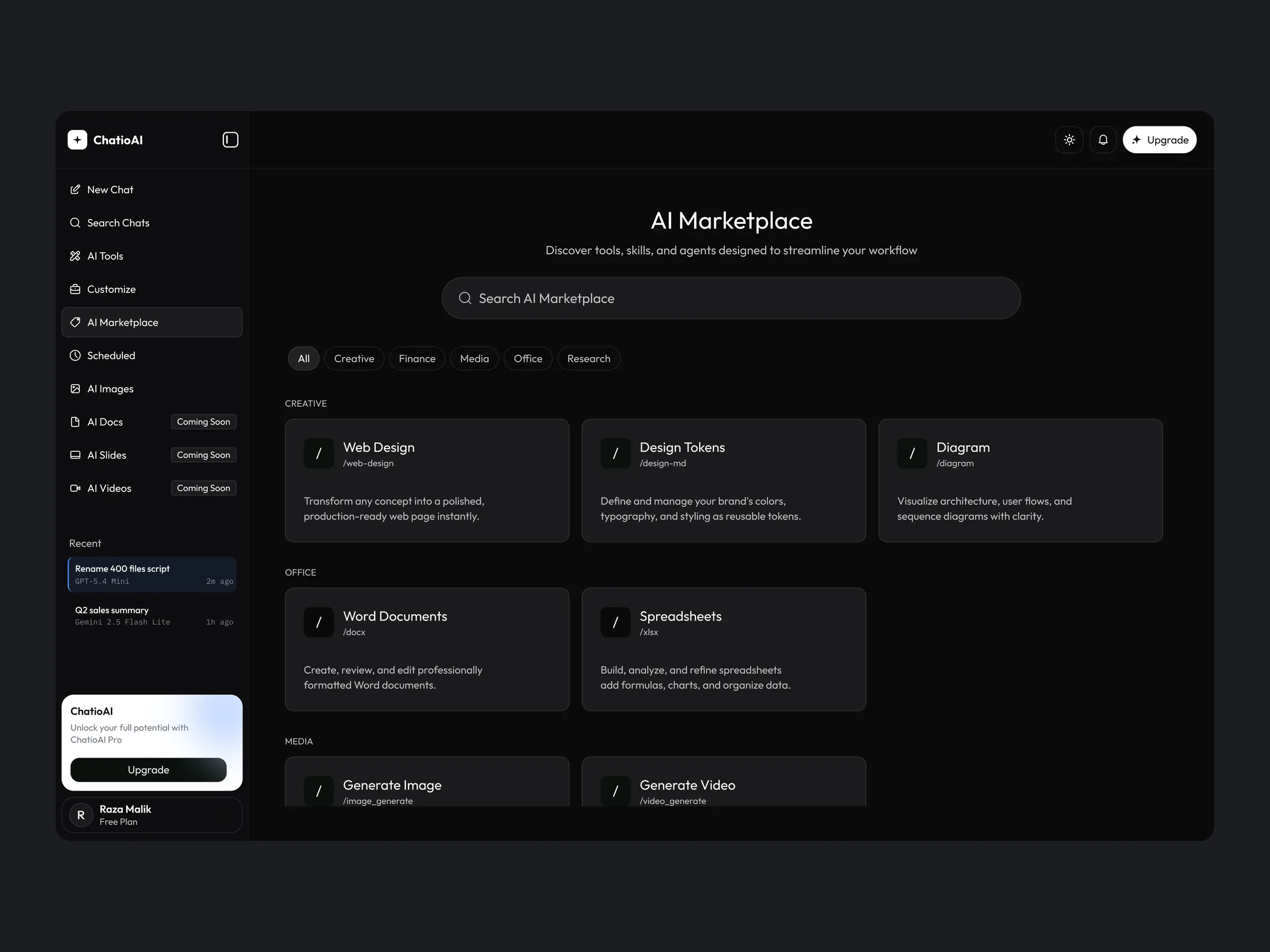
- Light and dark themes at full parity across the product
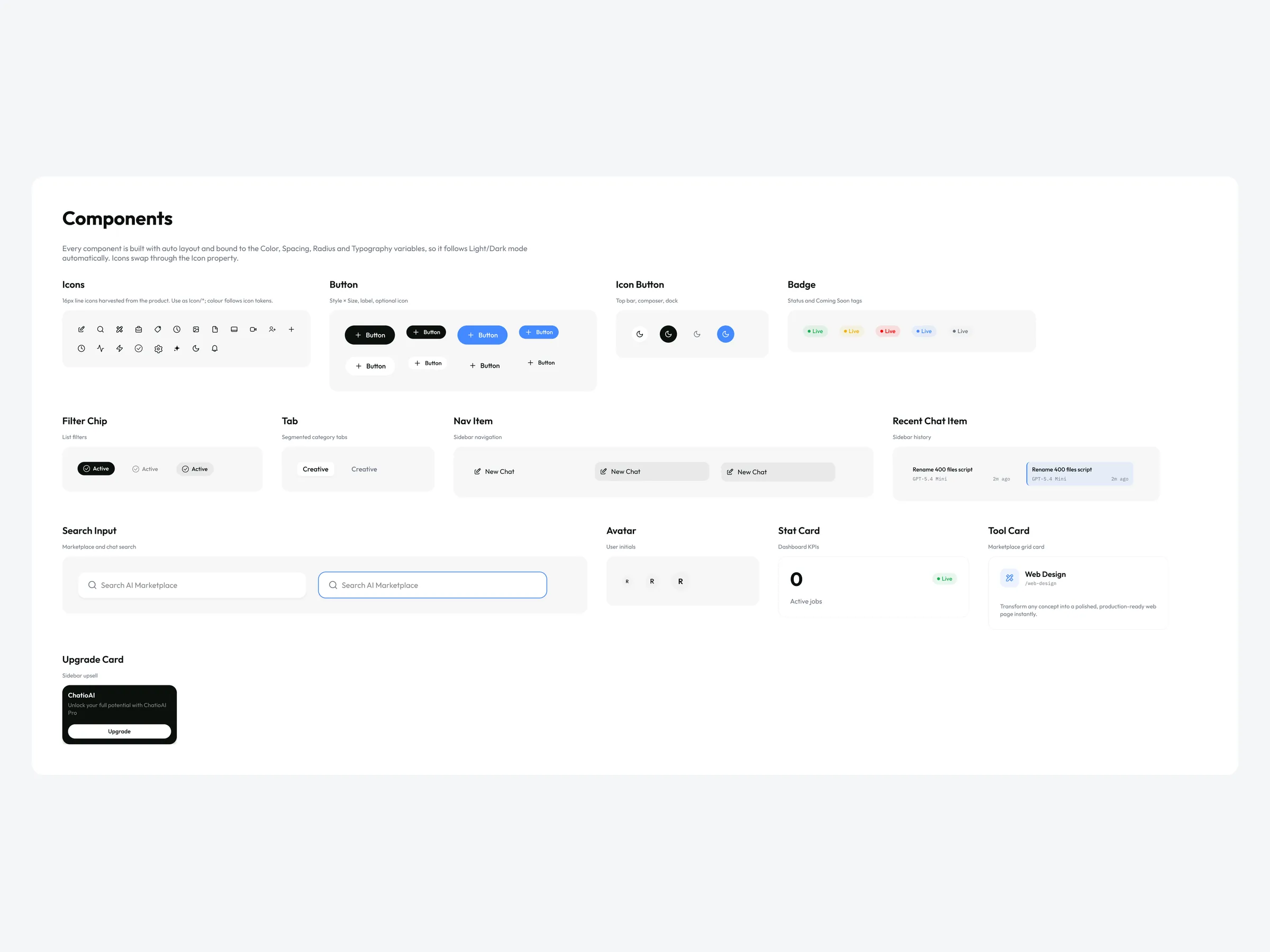
- Design system with 41 color tokens in Light and Dark modes, 96 text styles and 64 components
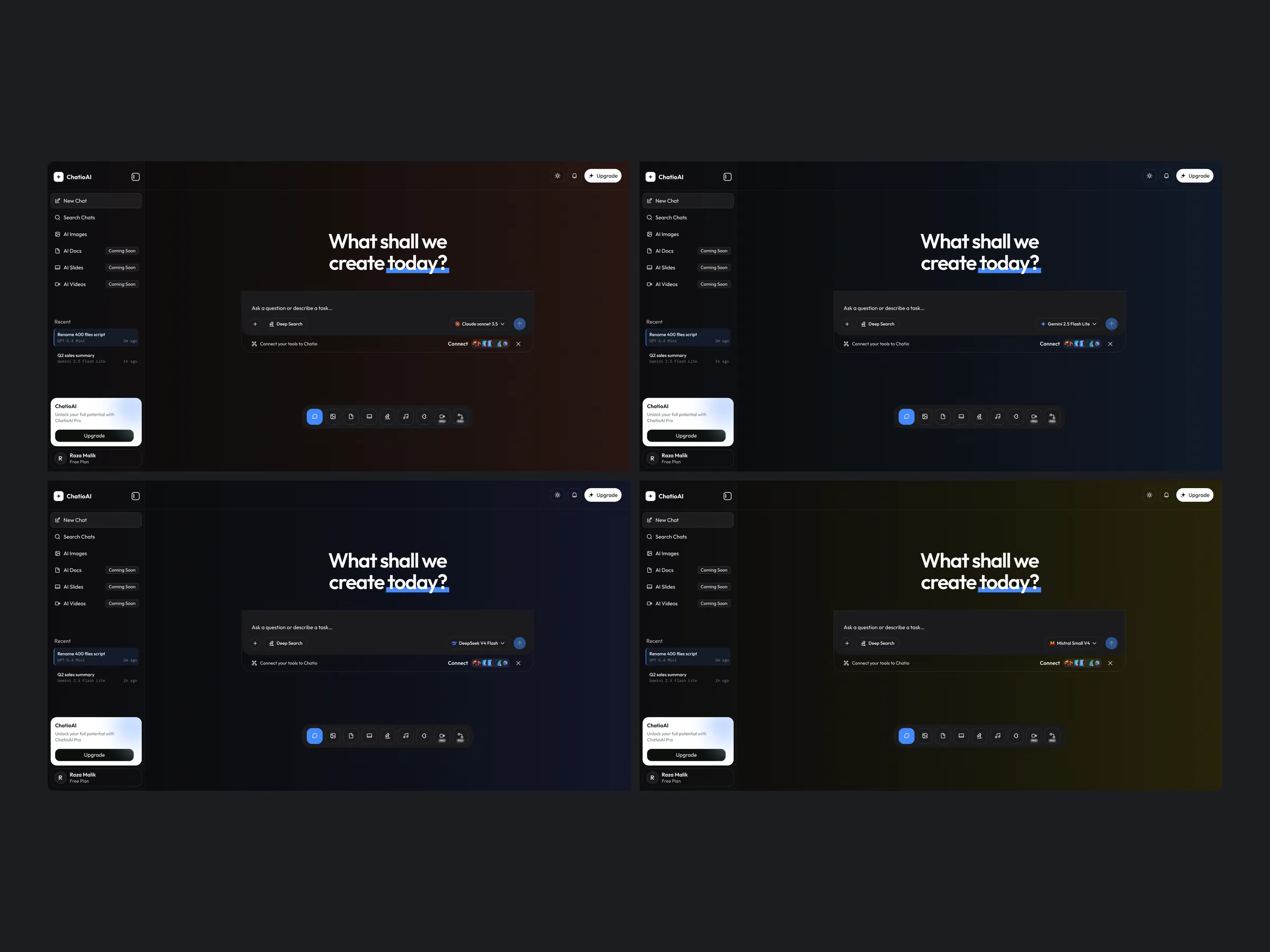
- Model-tinted dark backgrounds that show which AI model is active
Constraints
- Many capabilities without overwhelming a first-time user
- Light and dark themes at full parity
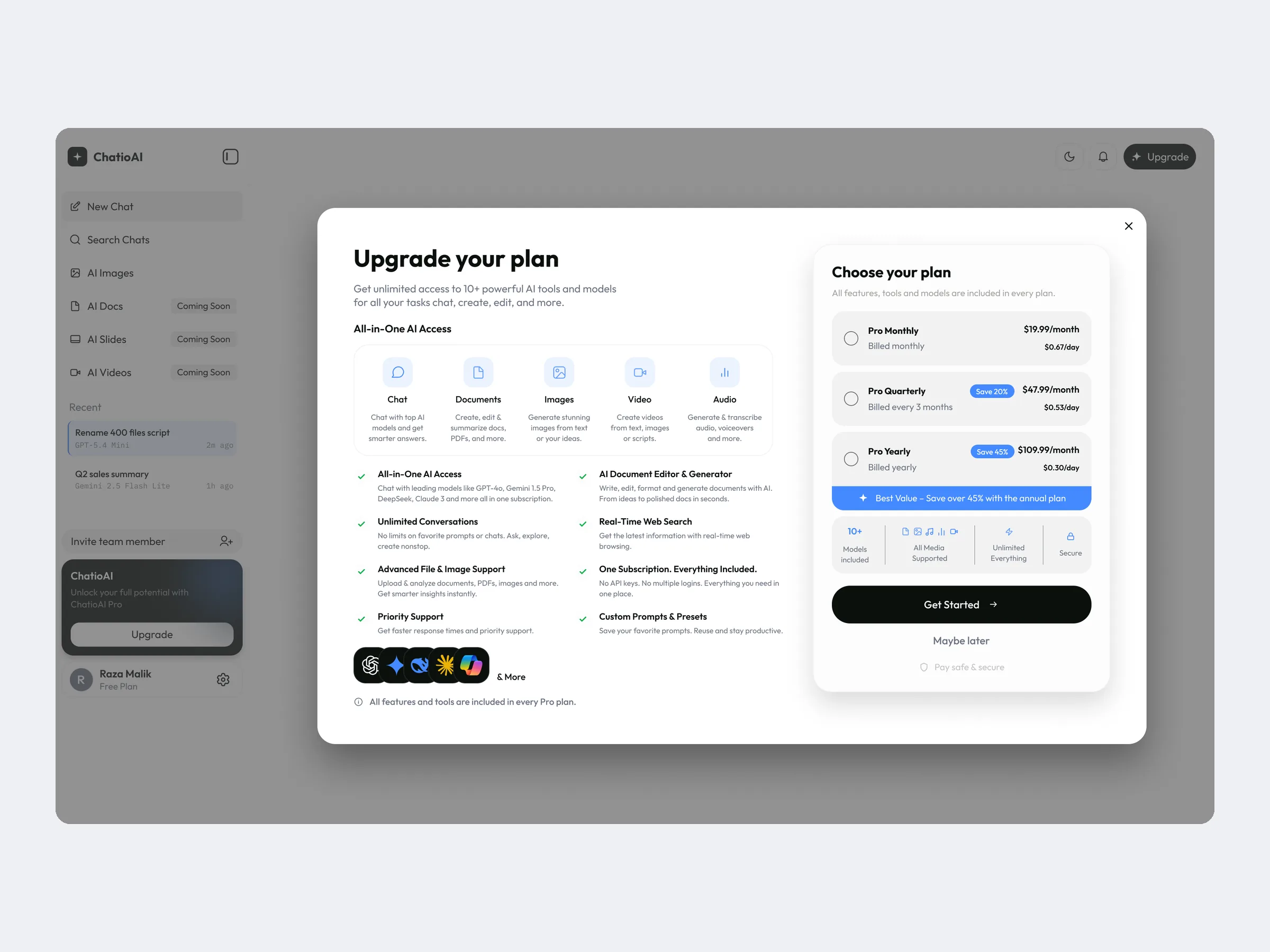
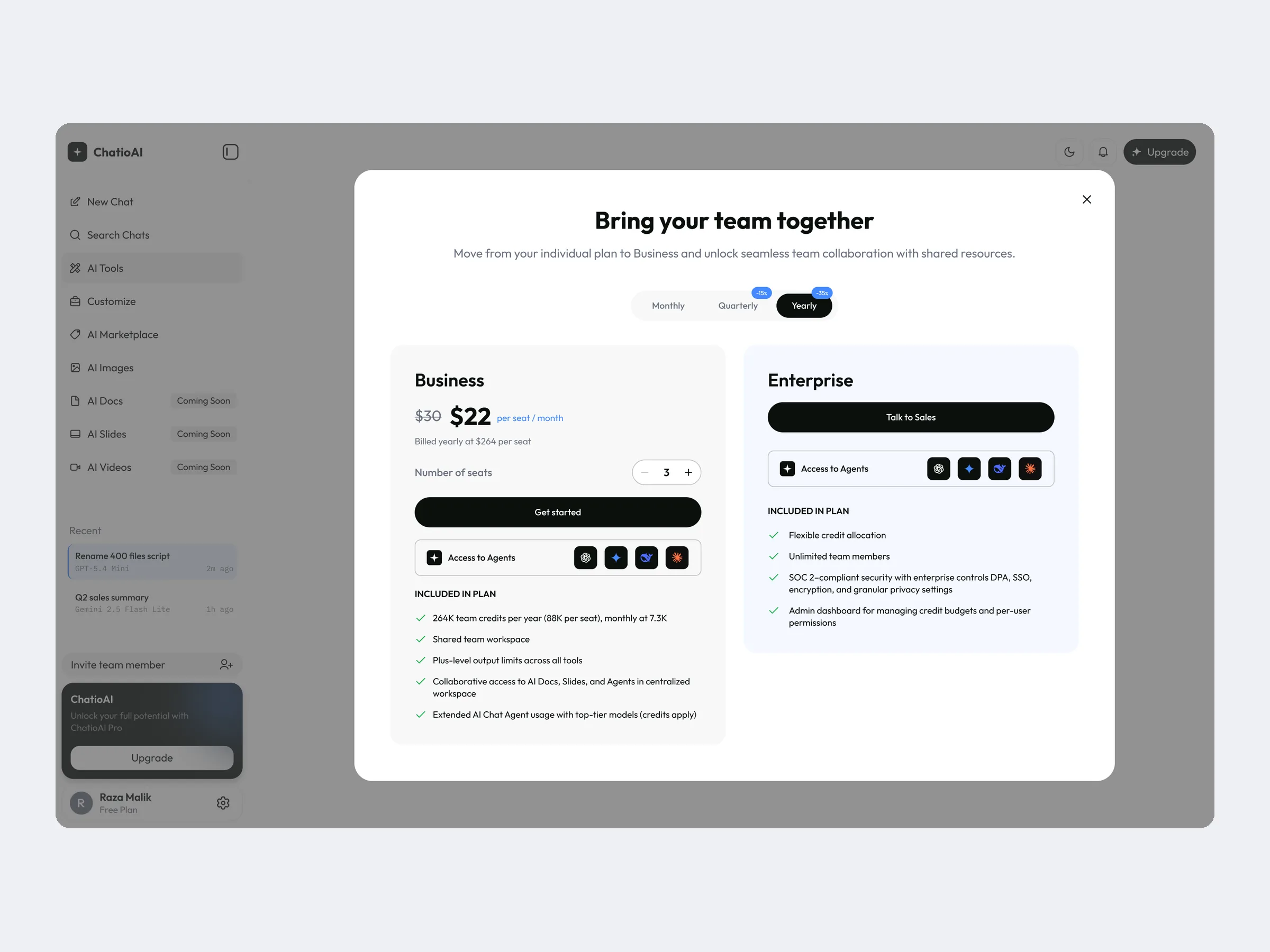
- Free, Pro and team plans, so upgrade prompts had to be clear without blocking work
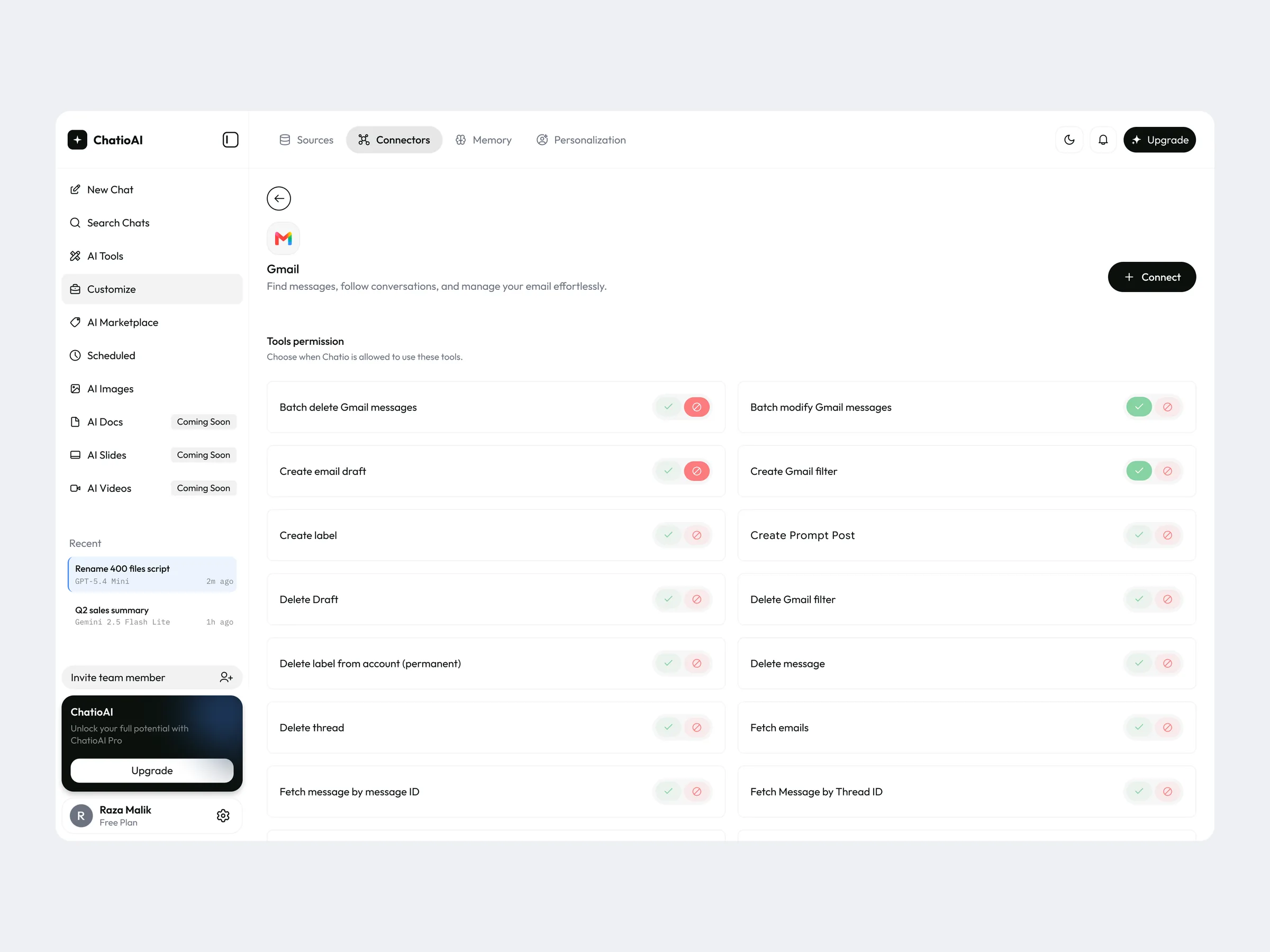
- Connectors reach personal data in apps like Gmail and Google Drive, so permissions had to be explicit
- Some tools launch later, so the interface had to show what is coming without dead ends
Process
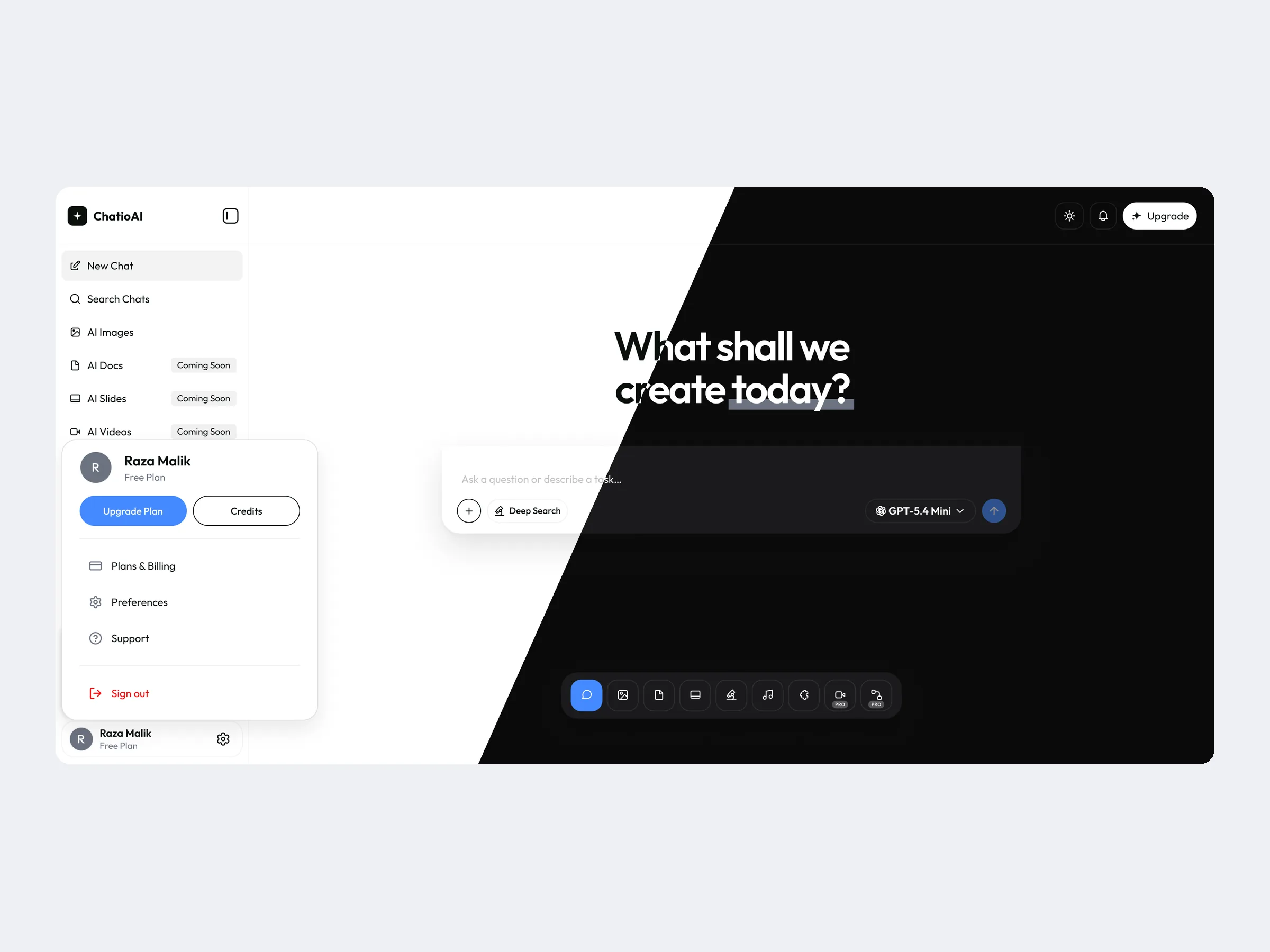
- Foundations firstSet up color, type, spacing and radius as variables with Light and Dark modes, so every screen themes from one source.
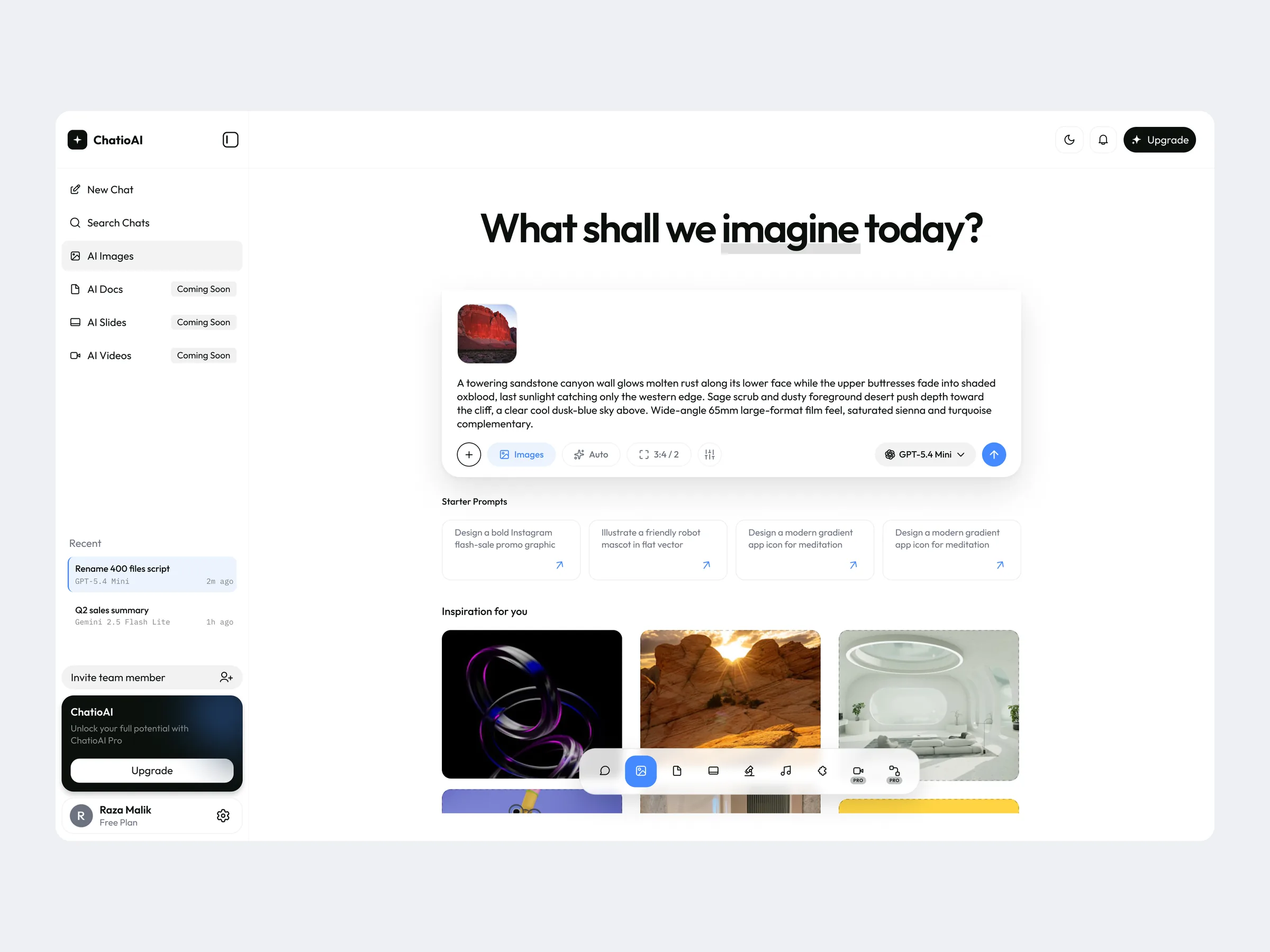
- One composerDesigned a single prompt box with model picker, Deep Search and attachments that every tool starts from.
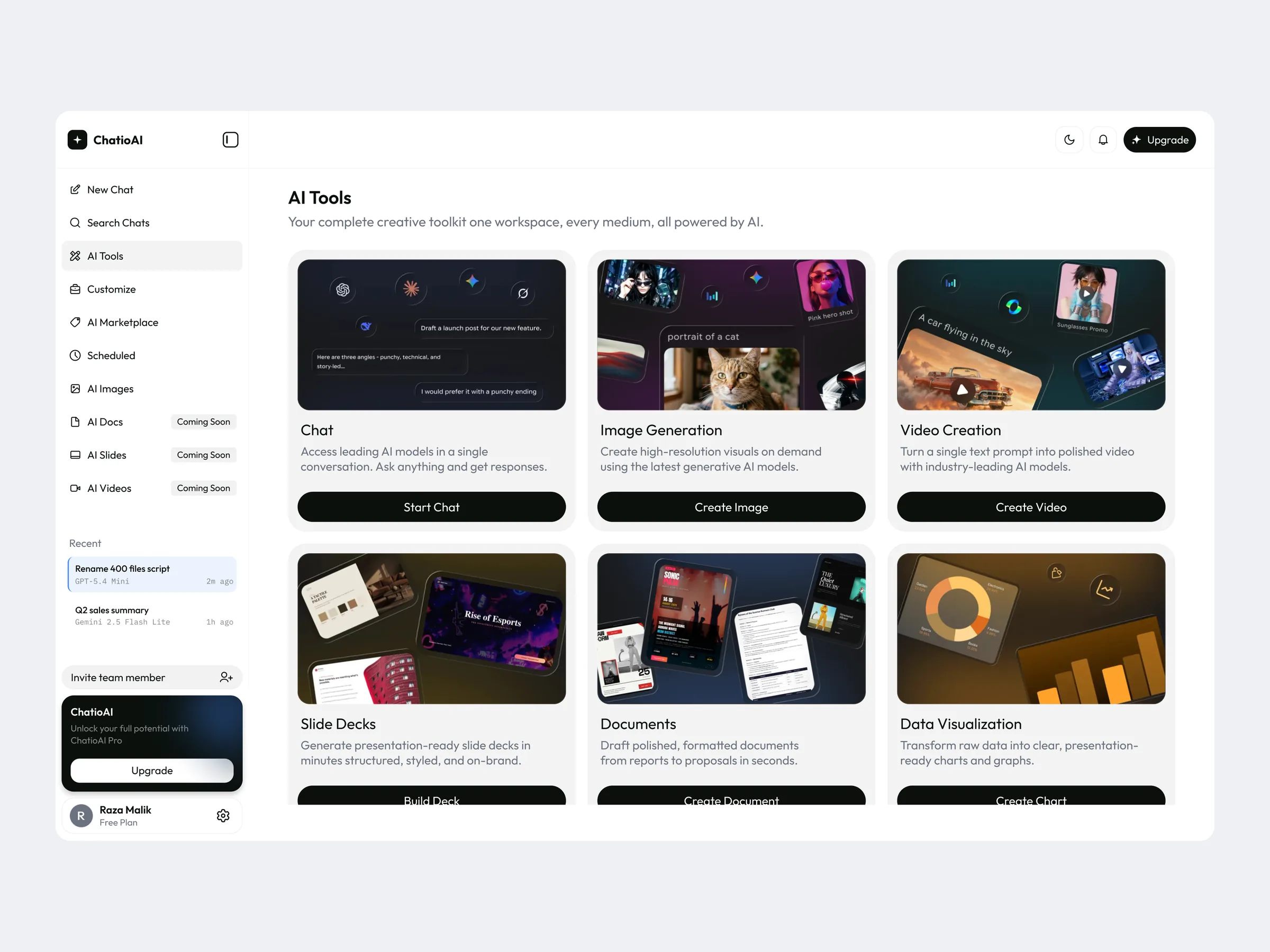
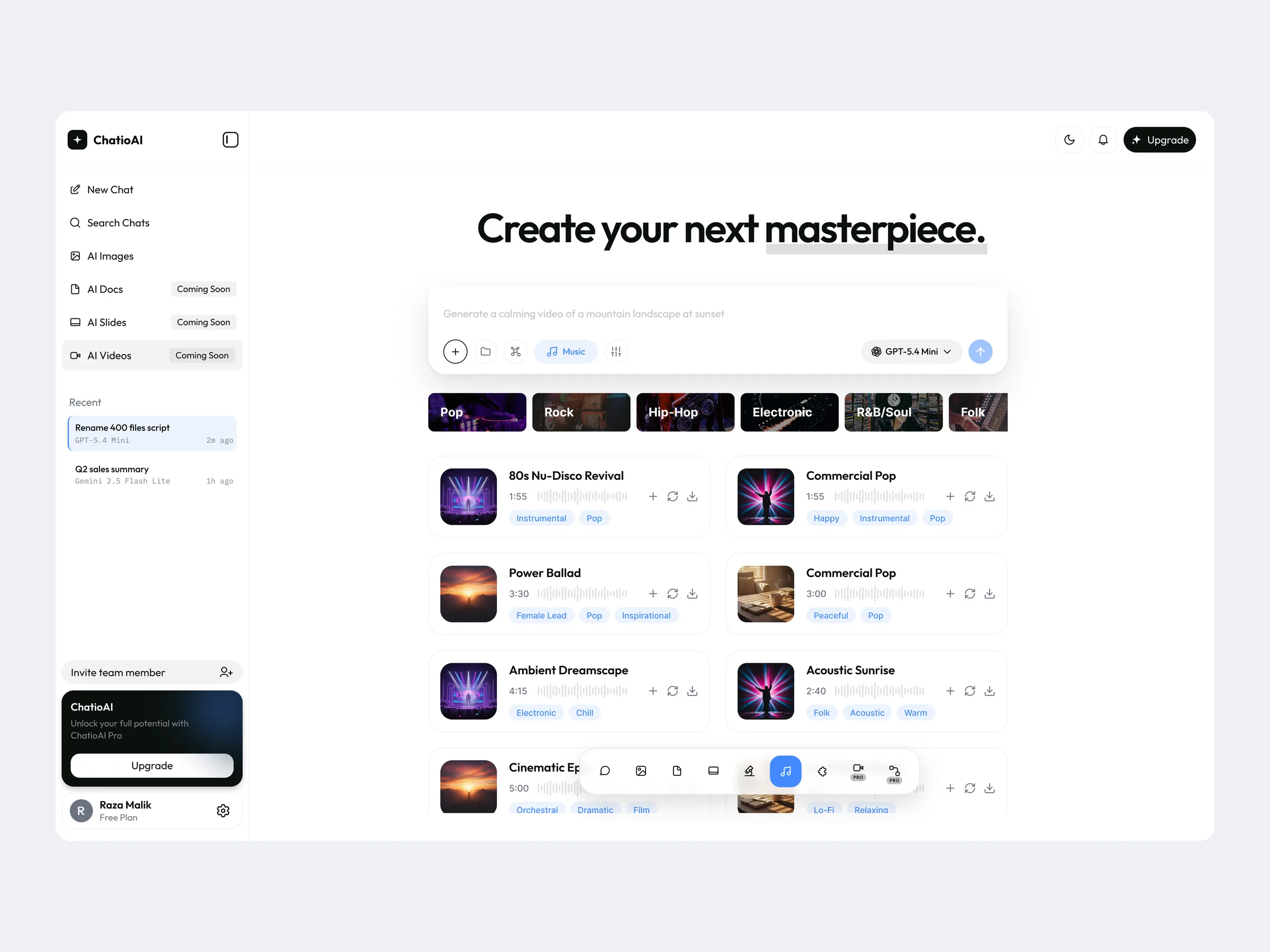
- Creation studiosImages, Videos, Music, Docs and Slides each get starter prompts, inspiration and templates on top of the same composer.
- Make it personalSources, Connectors, Memory and Personalization let people bring their own files, apps and context.
- Plans and teamsPaywalls, Pro and team plans, members, invitations and credit analytics, then new screens and a second paywall as the product grew.
Key decisions
One composer, a tool dock underneath
Every tool starts from the same prompt box, and a dock switches between chat, images, docs, slides, music and video. People learn one pattern and use it everywhere.
Both themes from one token system
Light and Dark variables keep 100+ screens at parity. In dark mode the background picks up a tint from the selected model (Claude, Gemini, DeepSeek, Mistral), so people can see which model they are talking to.
Permission per action for connectors
Each connector action, such as creating a Gmail draft or deleting a message, has its own allow or block control, so people decide exactly what Chatio can do with their data.
Upgrades that inform, not interrupt
Free users keep working while a quiet upgrade card and clear plan comparison show monthly, quarterly and yearly prices, savings and cost per day. Teams get seat-based pricing and an Enterprise path.
What shipped
Screens
Open the interactive case study
More work
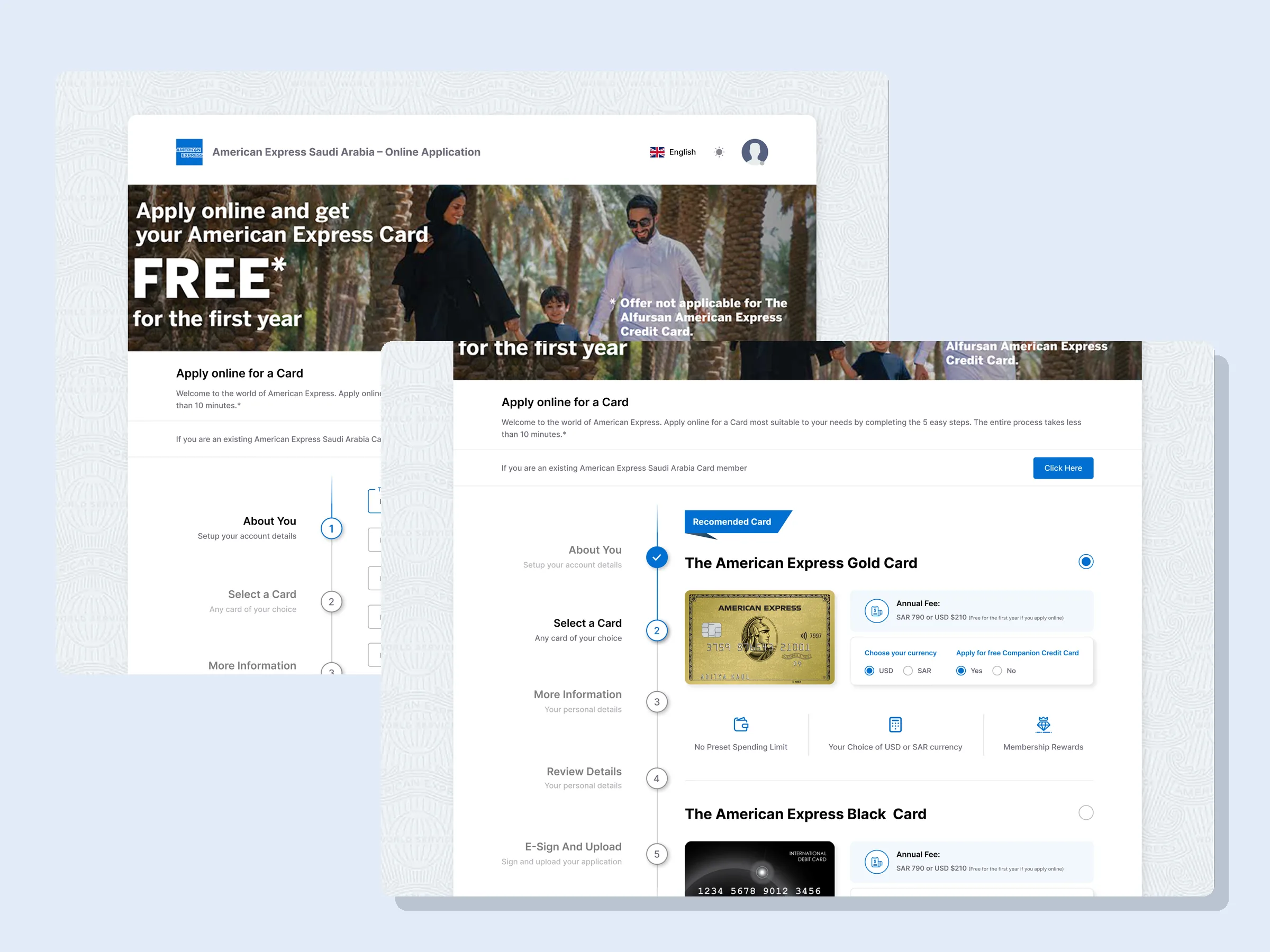
American Express E-Apply
Online card application, Saudi Arabia
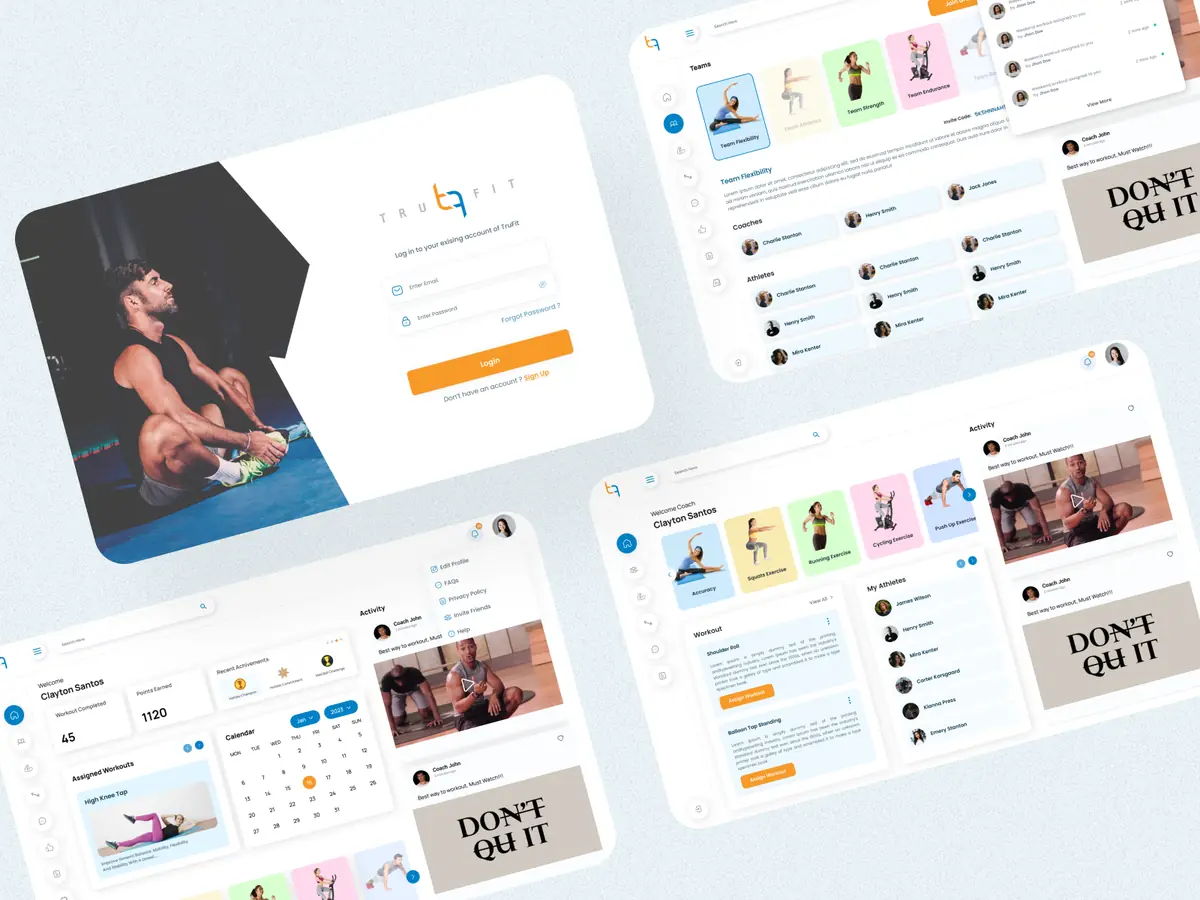
TruFit
Fitness coaching platform
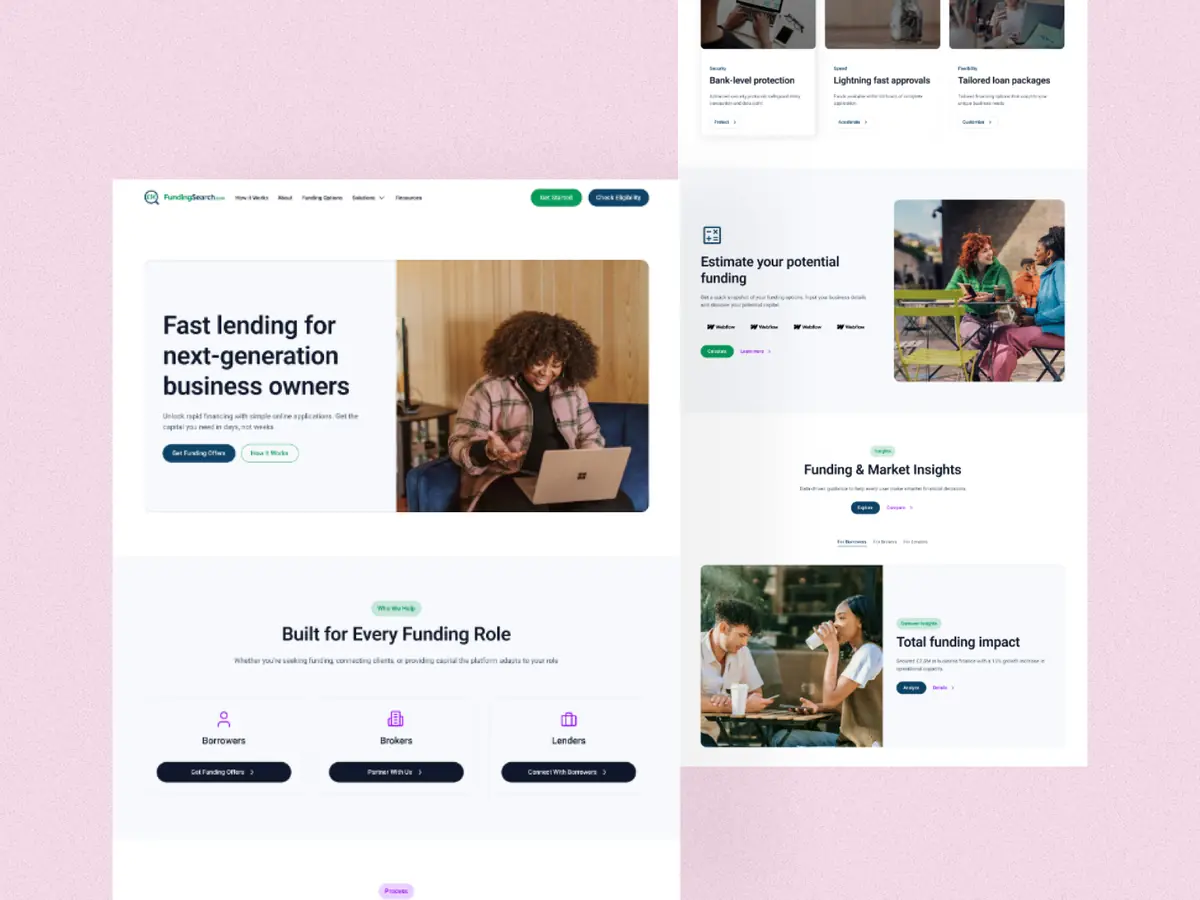
FundingSearch
Commercial lending and broker FinTech
Let's make it
clear.
Tell me what you're building. I reply within one working day with first thoughts and next steps.